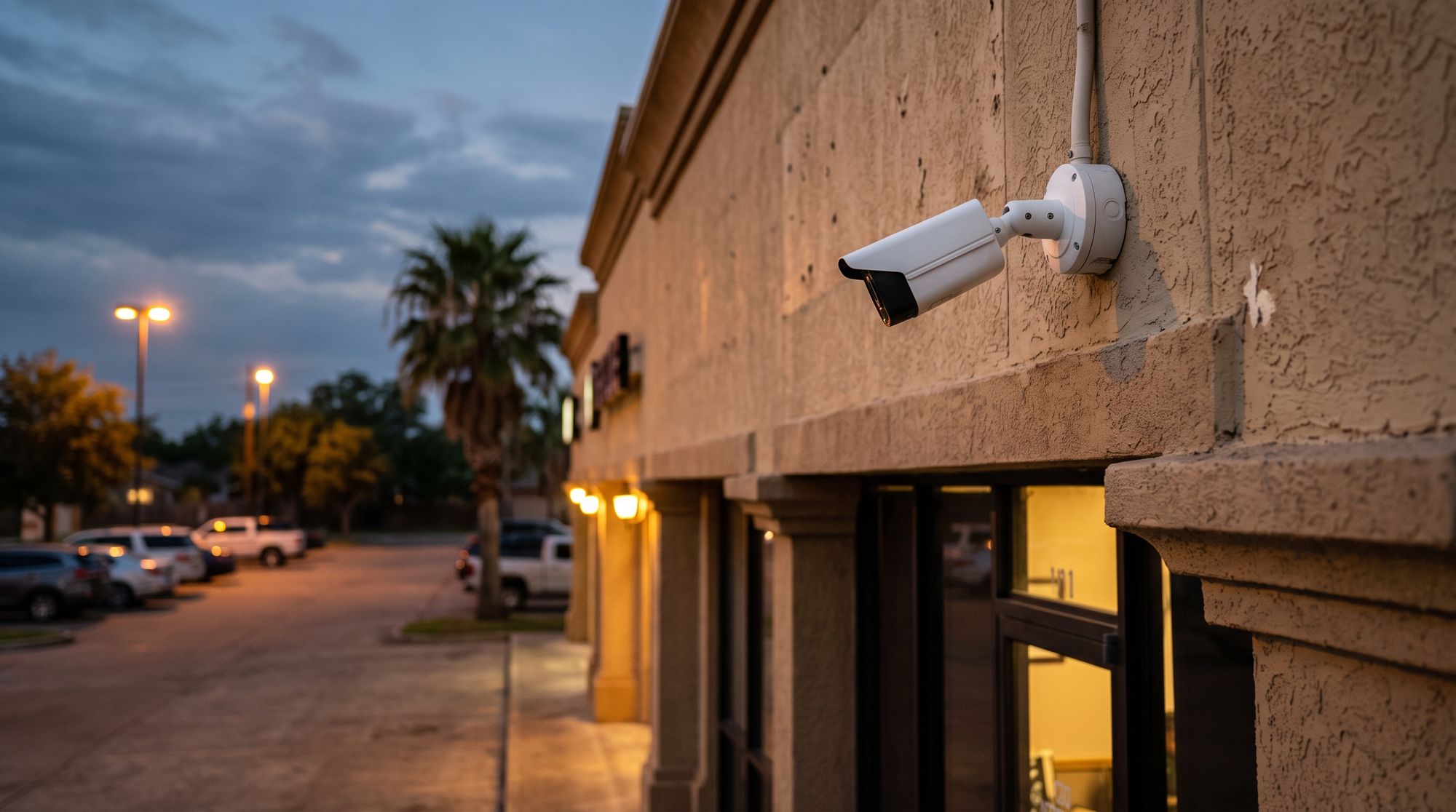
Commercial cameras for businesses in McAllen and across the Valley — placed where things actually happen, and set up so the right clip is a search away, not an afternoon of scrubbing.
A camera that points at the wrong thing, or that nobody can search, is decoration. These are the parts that make business video useful on a normal workday.
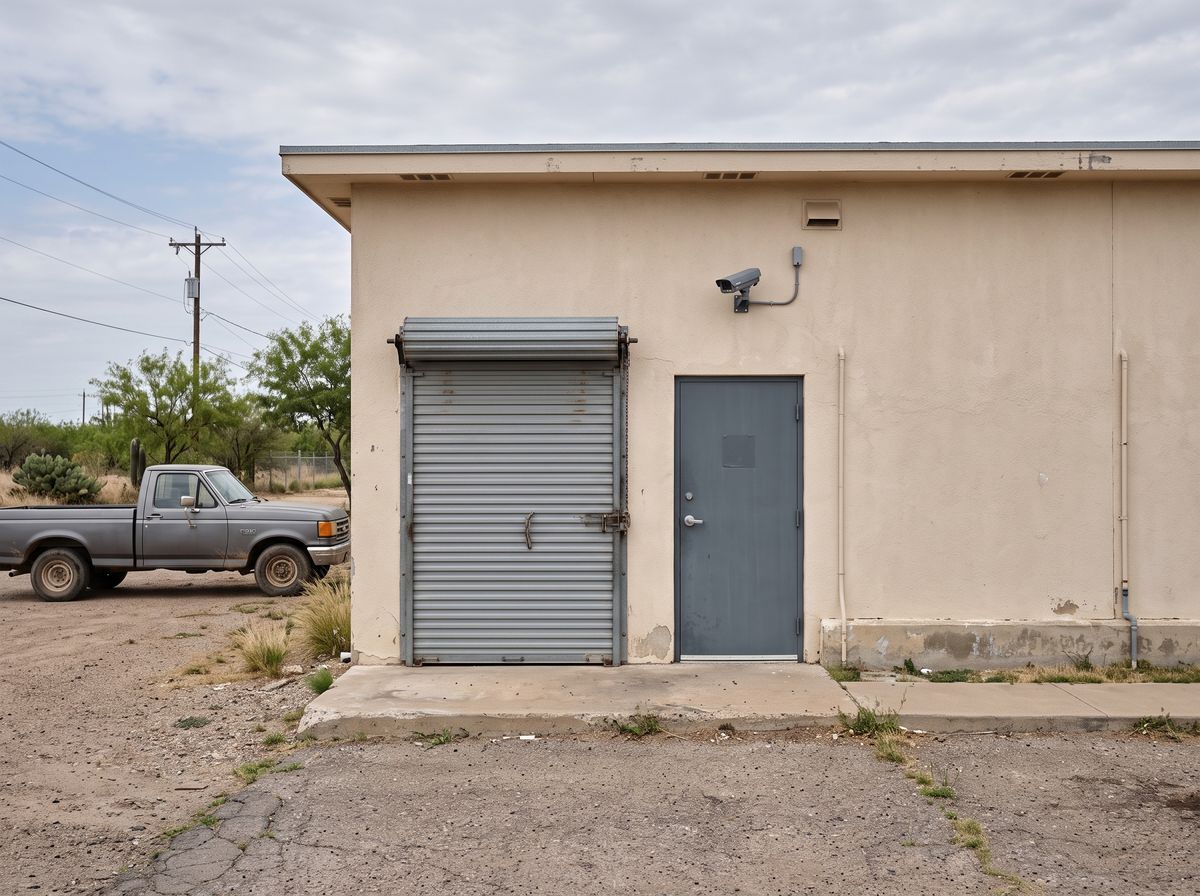
The cameras can tell a person or a vehicle apart from moving branches, headlights and blowing trash. You choose what earns an alert — someone at the back door after closing, a car pulling into the lot on a Sunday — and the rest stays quiet.
When something goes missing, you should not have to watch eight hours of tape. Jump to a time, filter for people or vehicles, and the clips worth seeing come up first.
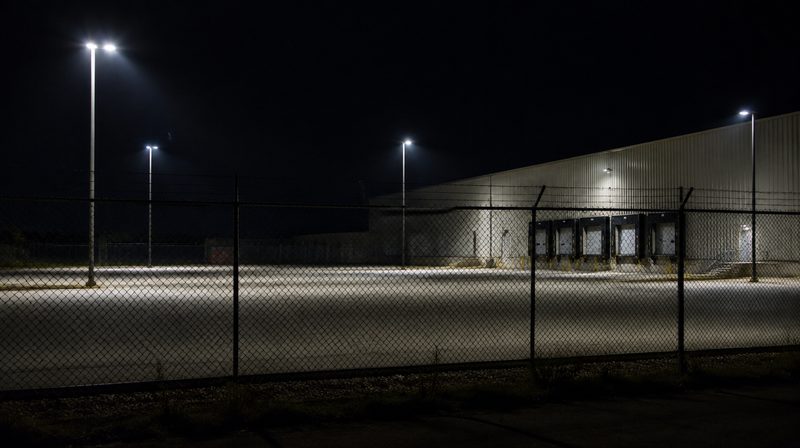
Cameras can work with the lights on the building. After hours, a person detected along the fence or at the dock can switch on the lights, so whoever is there knows they have been seen.
Optional monitoring can put the business cameras in front of a monitoring team after hours, alongside the alarm. It is your choice, it can be added later, and on the walk-through we will explain plainly what it covers and what it does not.
Add it for the hours the business sits empty, or skip it.
You get the same alerts and live view either way.
A sensor trip and the matching clip show up side by side.
Every building is different, but the same few spots come up on almost every walk-through.
A clear view of the counter, the drawer and the customer side.
Where deliveries come in and where trouble usually tries first.
Vehicles coming and going, and the dock after dark.
The shelves and the office where the valuable things sit.
We will walk the property with you, stand where each camera would go, show you what it would see, and put a number on it — no charge, and no pressure to sign anything on the spot.
Call (956) 624-2463Straight answers before anybody comes out to look at the property.
It depends on how the cameras record. Clips can go to the cloud, and a camera can also record to a card on the camera itself. We will set the mix based on how far back you usually need to look, and tell you plainly how long each one keeps.
It depends on the camera and on how much light the spot gets. A lot or a dock with some lighting on it gives a much clearer picture after dark. We will look at your lighting on the walk-through and tell you if a spot is too dark to be useful.
Yes. You can save a clip and send it from the app, so you are not trying to film your phone screen with another phone.
No, if it is set up properly. You pick which areas and hours send alerts and whether you care about people, vehicles or both. We tune this with you after the install.
No. Monitoring is optional. Without it, the cameras still record, send you alerts and let you watch live from your phone.
Sometimes. It depends on the make, the age and how they are wired. We will tell you on the walk-through what can stay and what cannot.
The outdoor cameras are built for outdoor use. We mount them where they are sheltered when we can, like under an eave, and we will point out any spot that takes the full afternoon sun.