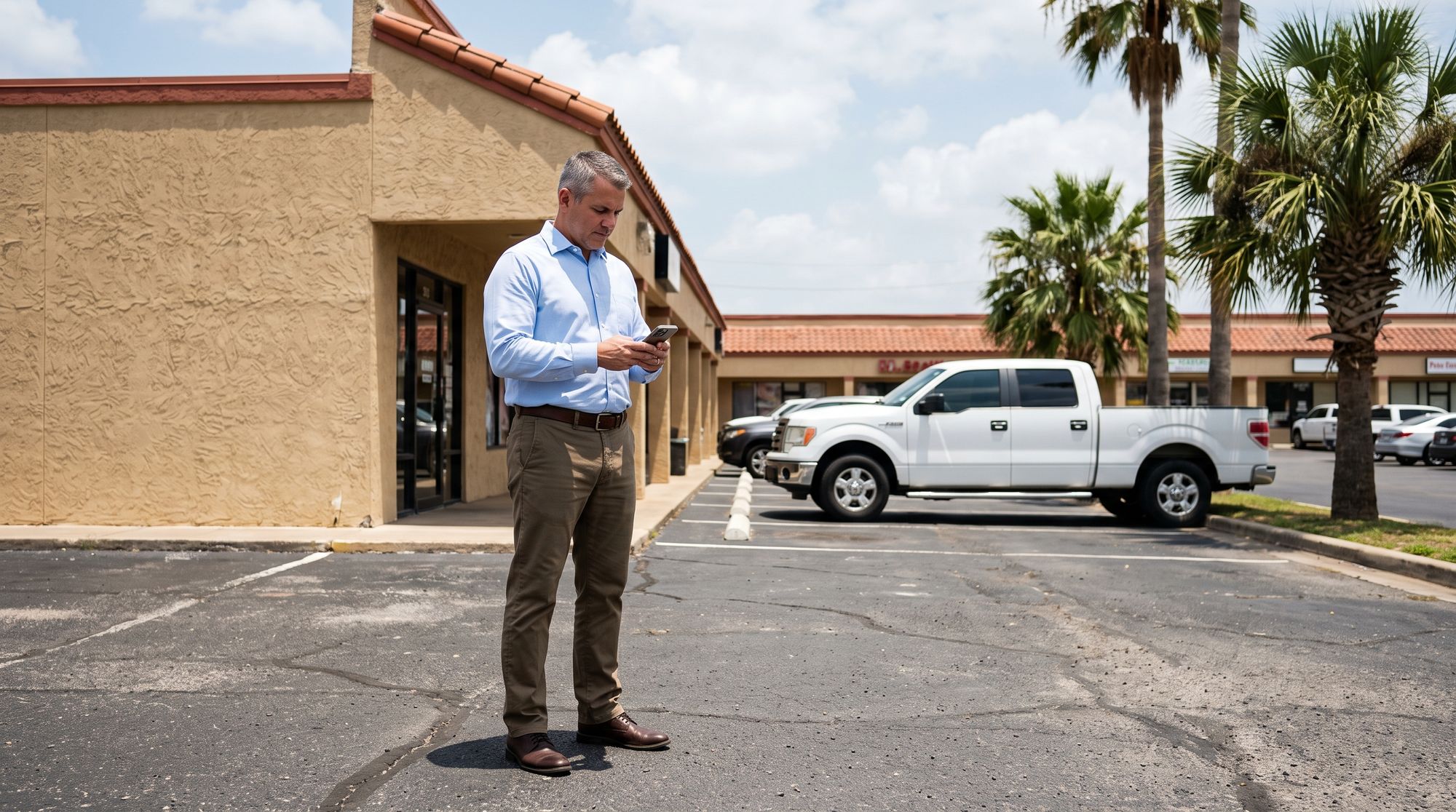
For owners with more than one location in the Valley — a shop in McAllen and another in Weslaco, a few stores along the Expressway — every site in one app, each with its own people and its own rules.
When the stores are a long drive apart on the Expressway, you cannot swing by each one to see if it opened. These are the parts that do that for you.
Open the app and see each site: armed or not, doors locked or not, and what the cameras see right now. Tap into one store without logging out of the others.
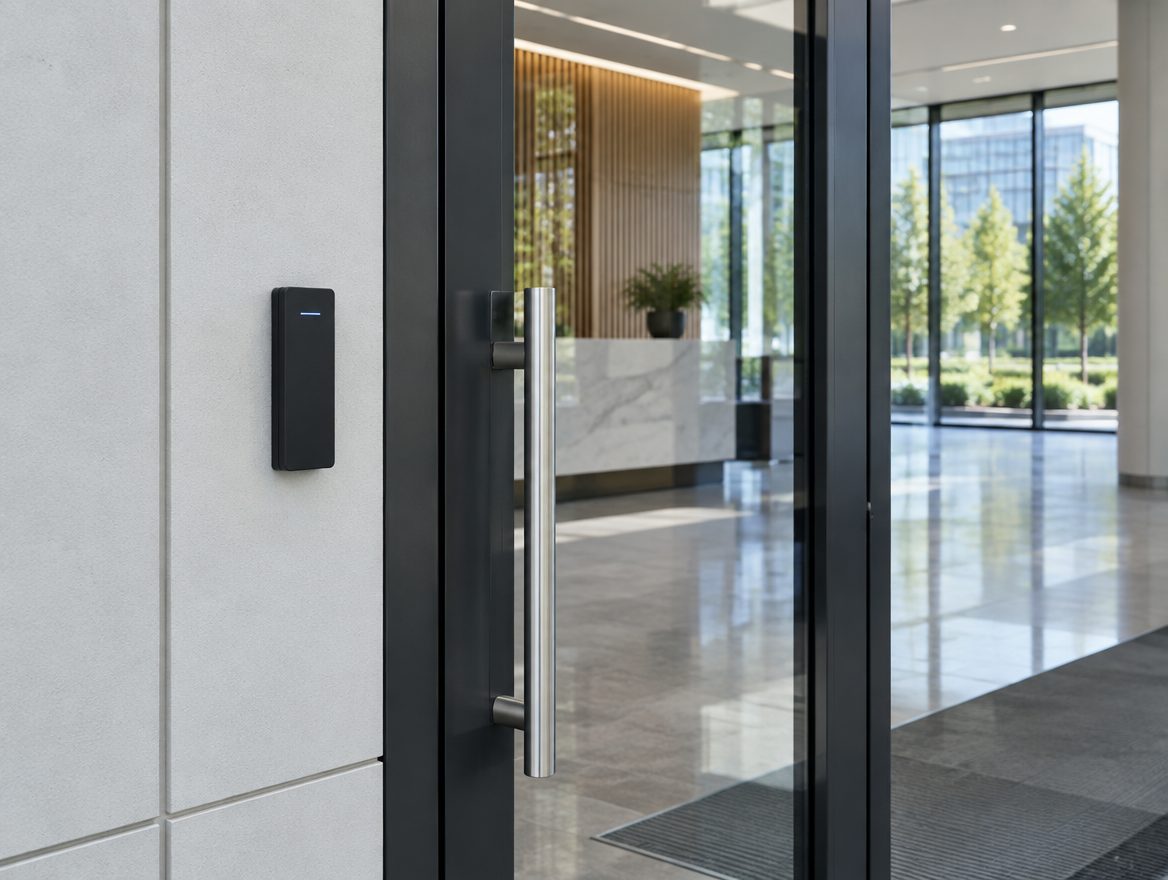
Add an employee one time and decide which locations, doors and hours they get. When a manager moves from the Pharr store to the Mission store, change it in the app instead of swapping keys.
See who opened and who closed at each location, and get an alert when a store is still unarmed past its closing time. Over a few weeks the reports show you which sites run on schedule and which do not.
Some things should match across every store, like who can disarm and what counts as late. Others should not — the restaurant keeps different hours than the office. Set both from the same app.
Two locations or ten, in one app.
Each person sees and opens only what they should.
Who opened, who closed and when, across every site.
The sites do not all need the same equipment. A small office might only need an alarm and two cameras while the warehouse needs gates and perimeter cameras.
Door, window and motion sensors with a panel that has battery and cellular backup.
Inside and out, with person and vehicle detection.
Cards and codes by person, door and time of day.
Keep an eye on the air conditioning at a site you are not at.
We will come out to each of your sites, walk them with you or your manager, and put one number on the whole plan — no charge, and no pressure to sign anything on the spot.
Call (956) 624-2463Straight answers before anybody comes out to look at the property.
No. The sites only need to be in the app, not near each other. We come out across Hidalgo and Cameron counties, so a store in Edinburg and one in Harlingen can sit side by side in the same account.
Yes. Each user can be limited to one location or given several. A store manager can see their store while you see all of them.
Yes. When you open another site, it gets added to the same app. We walk the new building first and lay it out like the others.
No. Each site gets what that building needs. A small office and a warehouse rarely need the same thing, and we will tell you where you can spend less.
It depends on what is there. Some equipment can stay and some cannot. We will look at it on the walk-through and tell you plainly.
No. Monitoring is optional, and you can choose it for some locations and not others.