Cameras, alarms and temperature alerts for restaurants in McAllen and across the Valley — the back door, the cash office, the walk-in and the empty dining room after close.
Early deliveries, late closes, a back door that opens a hundred times a day and a cooler full of product. These are the parts that fit that.
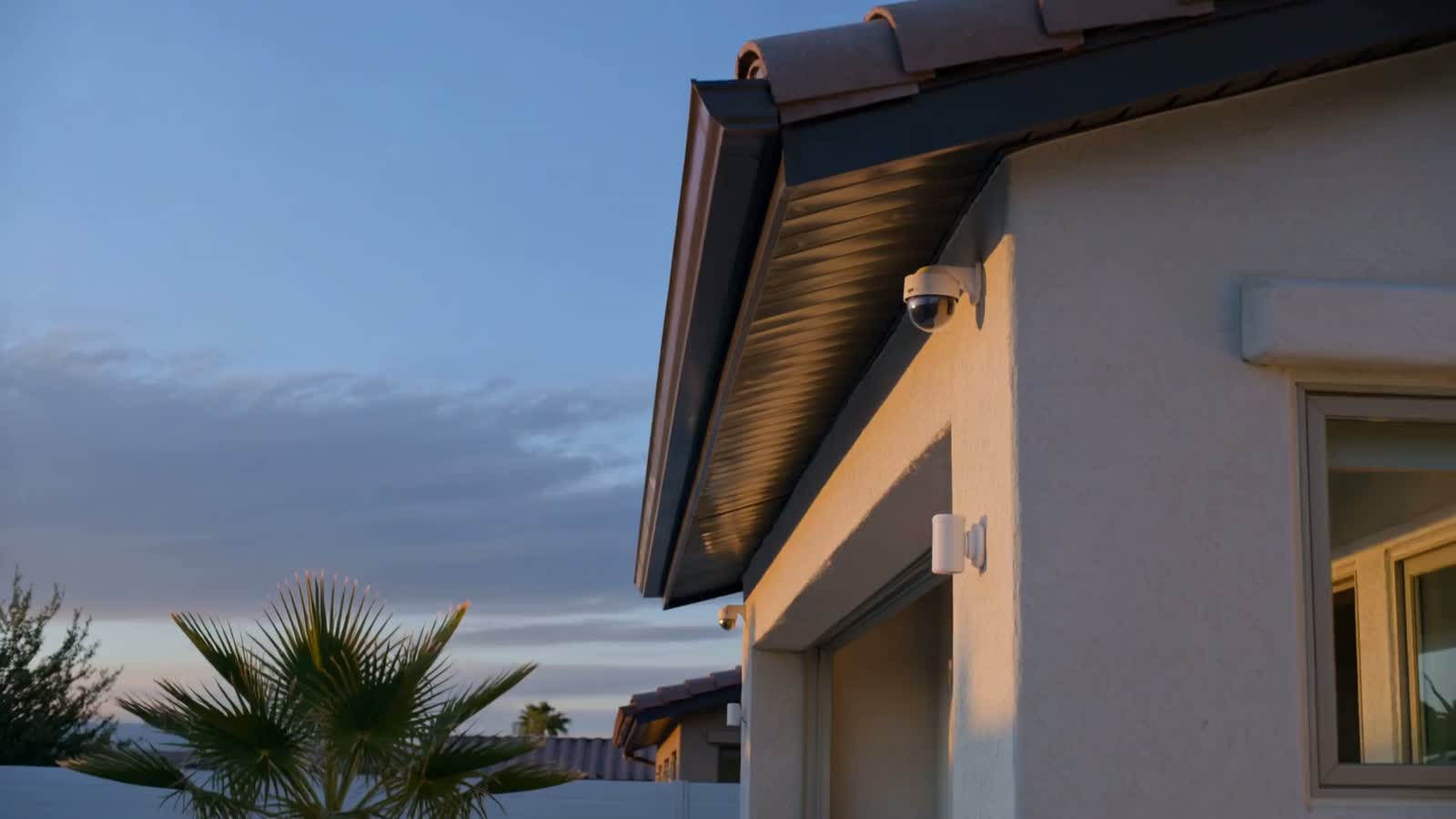
The back door is the busiest door in the building and the one nobody watches. A camera above it and a sensor on it show you every delivery, every smoke break and anyone who tries it after close.
A camera on the cash office and the safe, plus a code for each manager, shows you who counted the drawer and who closed. If the building is not armed by the time it should be, you get a message.
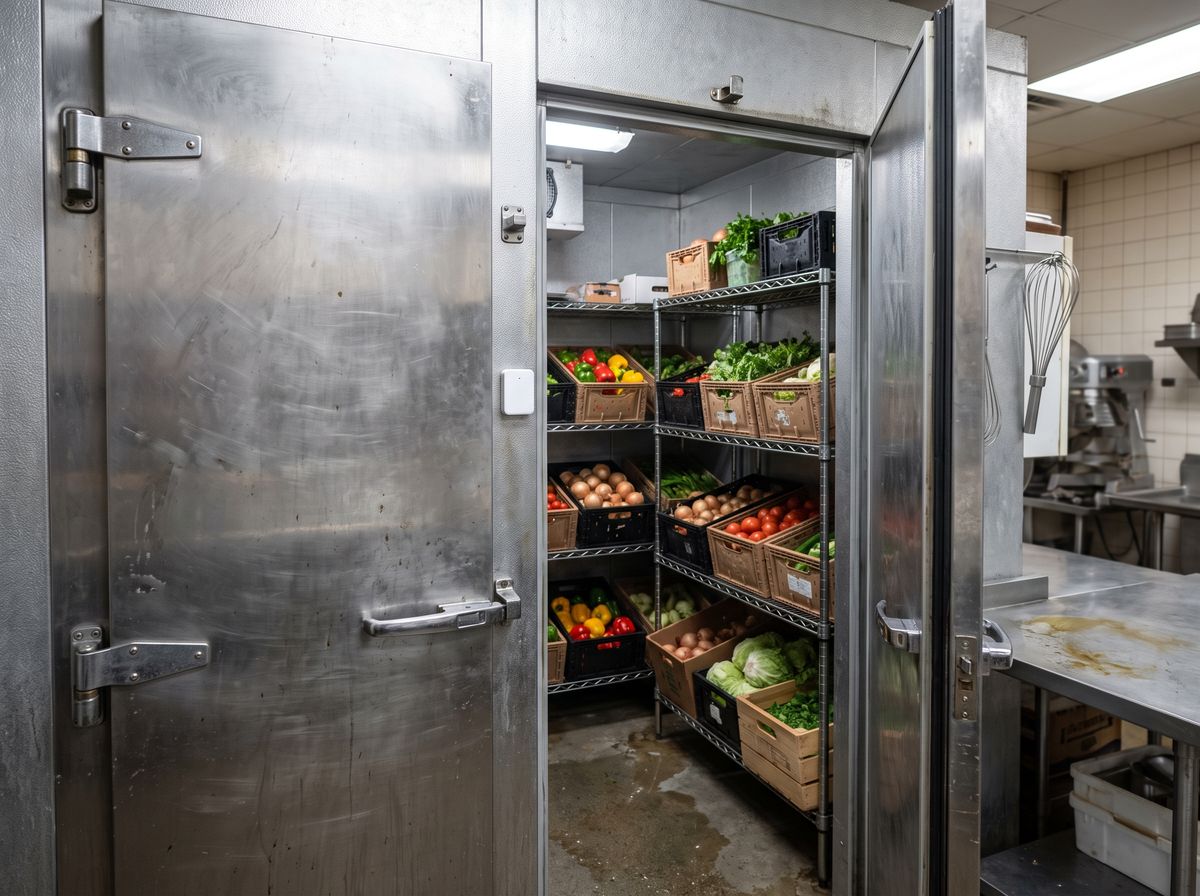
A temperature sensor in the walk-in cooler or freezer sends you an alert when it climbs past the number you set. In a Valley summer, knowing at 2 a.m. instead of at 7 a.m. can be the difference between a service call and a dumpster full of product.
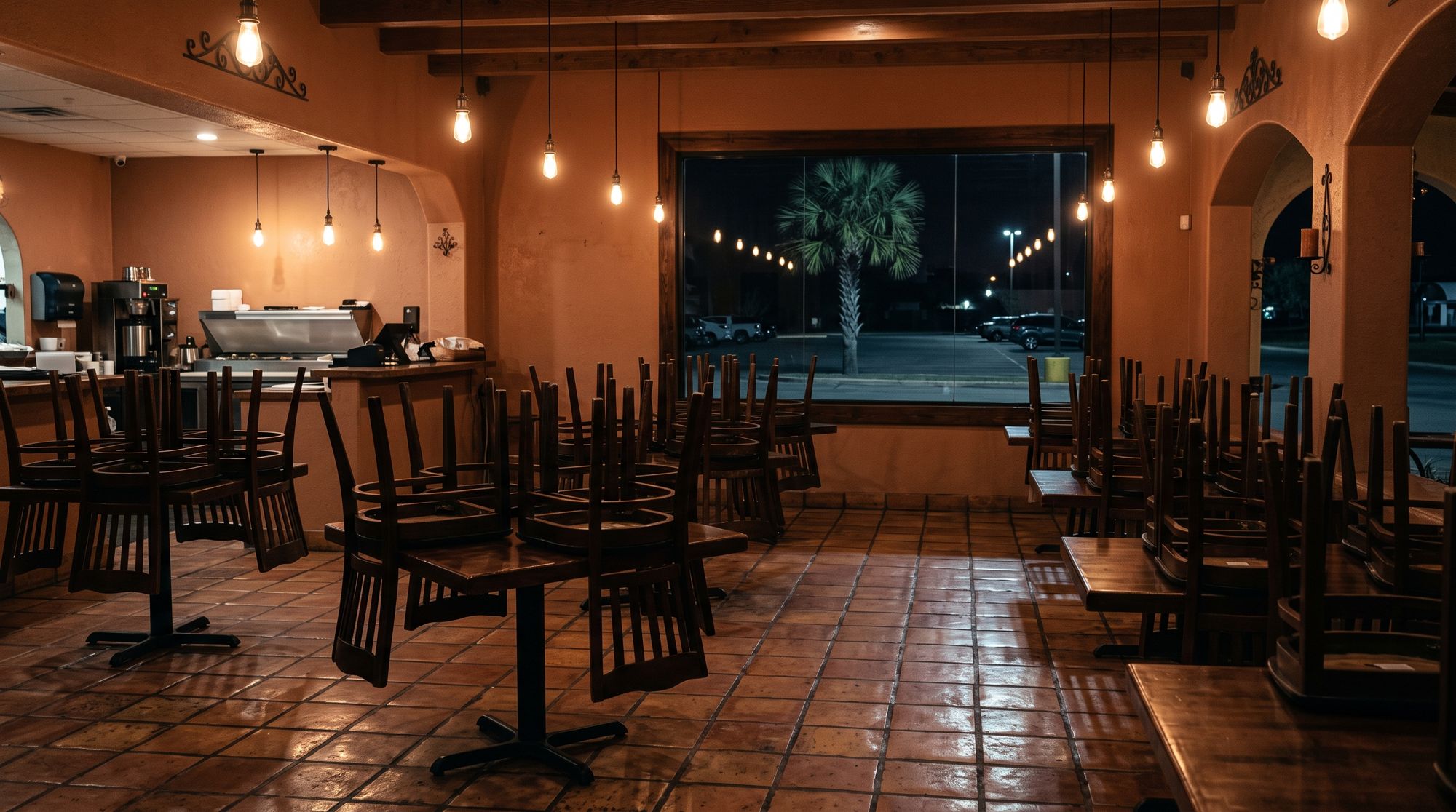
Once the last person locks up, the alarm, the cameras and the temperature sensors keep going. You can look in on the dining room, the back door and the walk-in from home, and optional monitoring can be added if you want someone else watching the alarm too.
Deliveries in daylight, alerts after dark.
Temperature alerts for the cooler and the freezer.
Cameras, alarm and temperatures in one place.
A taquería and a sit-down steakhouse are laid out differently, but we look at the same four places first.
A camera and a sensor on the door where the trucks unload.
A camera on the office and the safe, and codes by manager.
Temperature sensors with alerts when a unit warms up.
Cameras on the floor and the register.
We will walk the restaurant with you between services, from the front door to the walk-in, and put a number on it — no charge, and no pressure to sign anything on the spot.
Call (956) 624-2463Straight answers before anybody comes out to look at the property.
No. It tells you when the temperature goes past the number you set, so you can call your refrigeration company sooner. It does not repair anything and it does not replace the temperature checks your kitchen already does.
Yes. The alert can go to you, your kitchen manager and anyone else you add to the app.
We keep cameras out of the hottest, greasiest spots over the line. We will point out on the walk-through where a camera would do well and where it would not.
Yes. Each person gets their own code, so openings and closings are tied to a name, and a code can be removed the day someone leaves.
Most of the work can happen before opening or between services. Tell us your hours on the walk-through and we will plan around them.
No. Monitoring is optional, and you can add it later.
