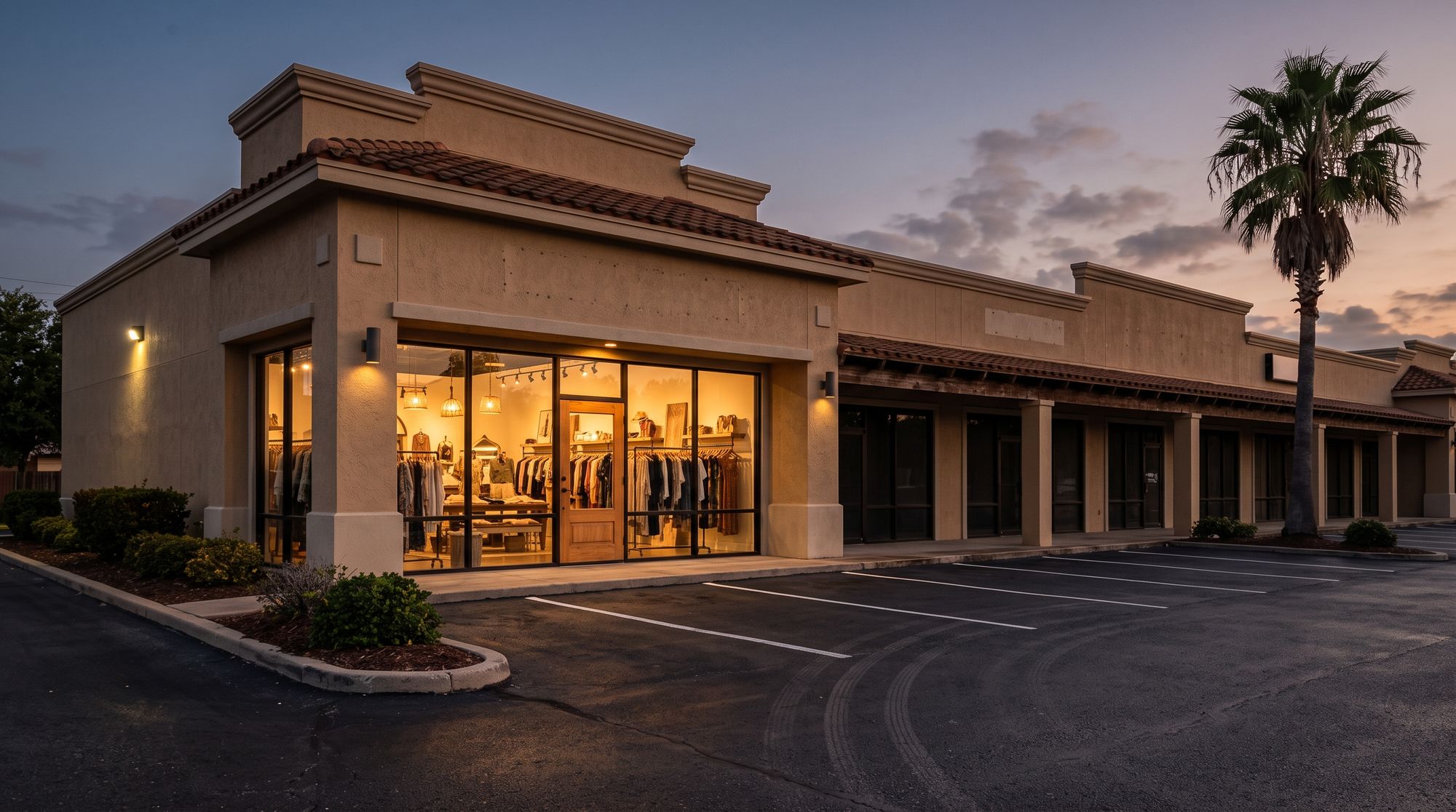
Cameras, alarms and door access for retail stores in McAllen and across the Valley — from a strip-mall boutique to a busy corner shop off the Expressway.
A store has a rhythm: somebody opens, the register runs all day, stock comes through the back, somebody closes. The system follows that rhythm instead of fighting it.
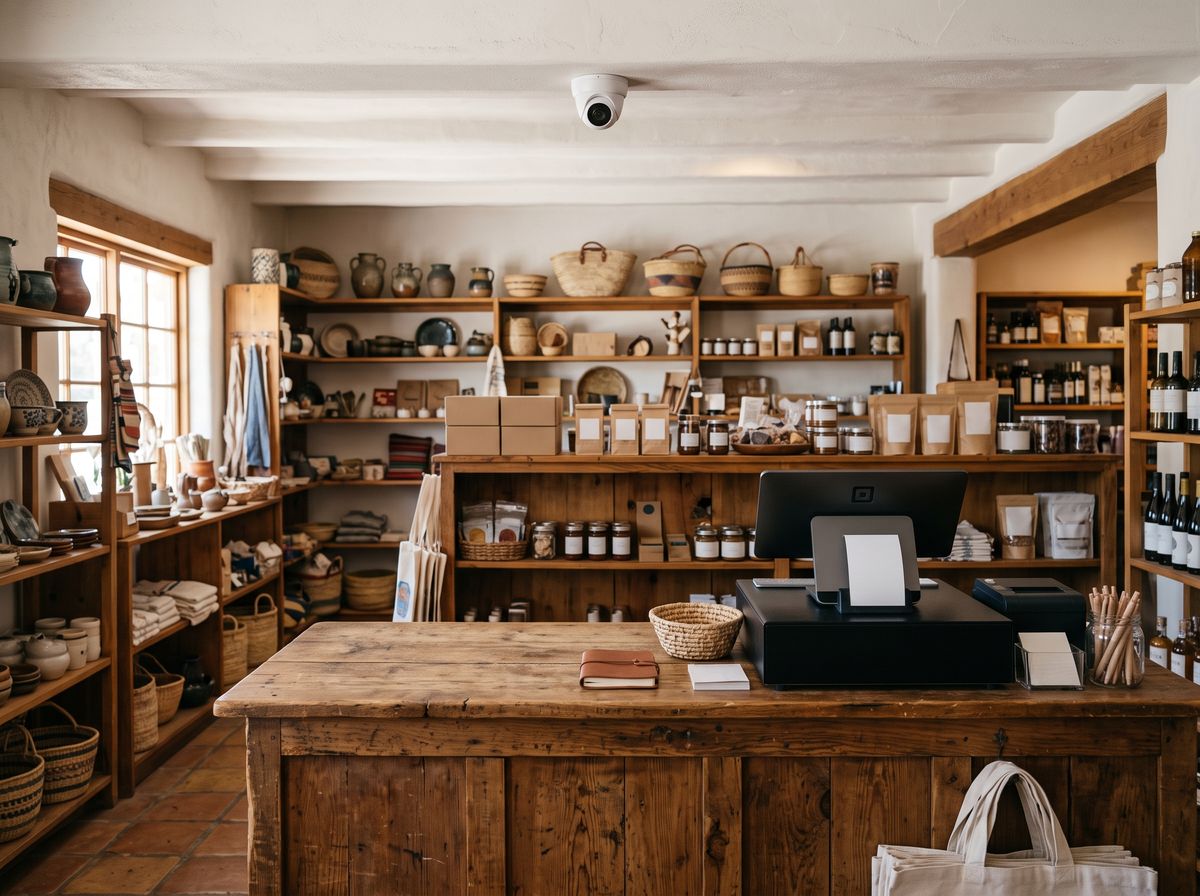
A camera over the counter shows the drawer, the hands and the customer side. When the till comes up short or a customer disputes a sale, you can pull up that exact moment instead of guessing.
Most of what a store loses leaves through the back, not the front. A sensor on the back door, a camera over it and one on the stockroom shelves show you who went in, what came out and when.
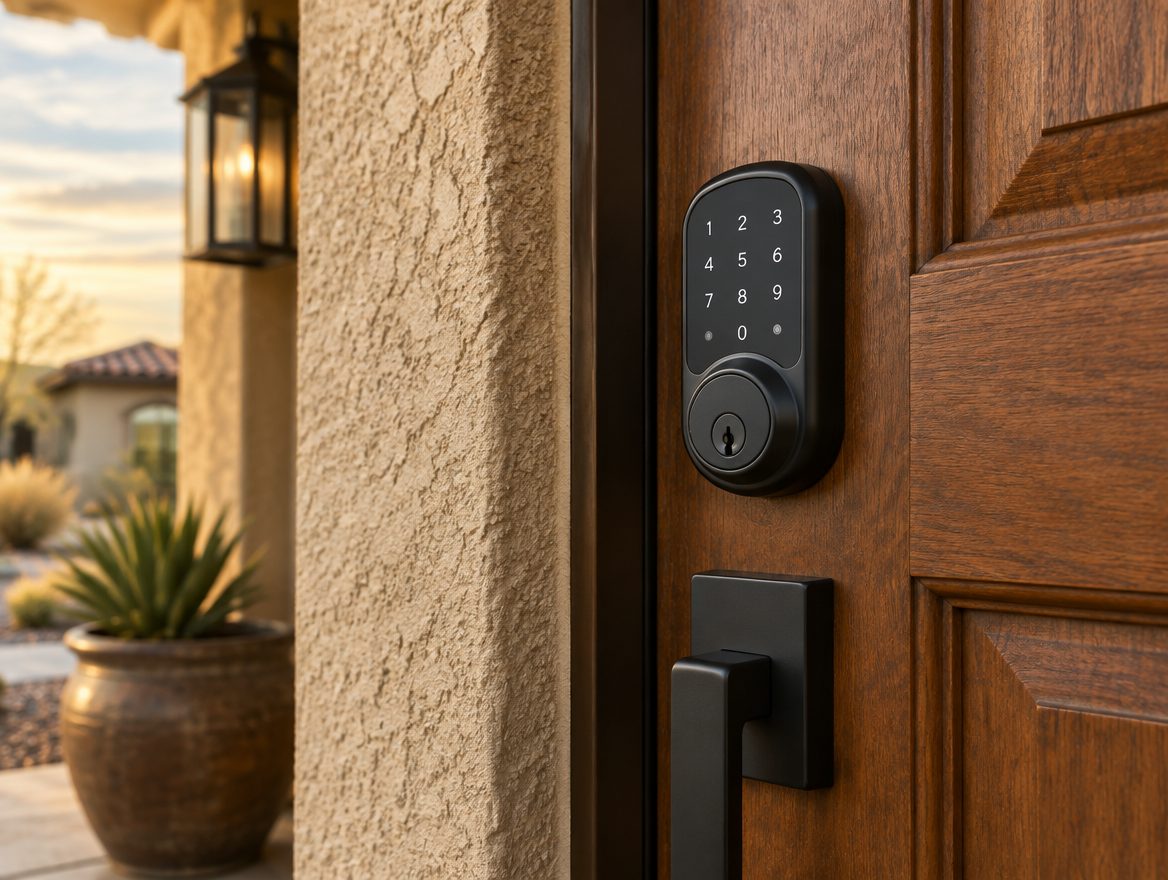
Every employee gets their own code, so you know who opened in the morning and who locked up at night. If the store is still not armed half an hour after closing, you hear about it on your phone.
When the lights go off, the door and motion sensors take over, and the cameras keep watching the front glass, the back door and the lot. You get the alert and the clip together, and optional monitoring can be added for the nights you would rather someone else was watching too.
Doors, windows and motion inside the store.
Front glass, back door, register and the lot.
Alerts, live view and arming from your phone.
The layout depends on the store. These are the four things we look at first.
A camera that shows the drawer and the transaction.
A camera and a door sensor where the inventory sits.
A sensor, a camera and an alert if it opens after closing.
Late-to-arm alerts and lights on the same schedule.
We will walk the store with you before or after hours, show you where each camera and sensor should go, and put a number on it — no charge, and no pressure to sign anything on the spot.
Call (956) 624-2463Straight answers before anybody comes out to look at the property.
They help you see what happened and when, and a visible camera over the counter makes people think twice. They will not stop someone who is determined, and we will not tell you otherwise. What they give you is a clear record.
Yes. Every camera is in the app, with live view and recorded clips.
Yes. Each person gets their own code, so openings and closings are tied to a name. A code can be removed the day someone leaves.
Usually, yes. Some landlords have rules about what goes on the outside of the building, so it helps to check your lease. We will work inside those rules and tell you on the walk-through what they allow.
Most of the work can happen before opening or after closing. Tell us your hours on the walk-through and we will plan around them.
No. Monitoring is optional, and you can add it later.